@arj,
There isn’t a specific property in CanvasJS to completely remove the padding/margin around the chart area as of now. However, you can reduce or remove the extra space by setting a negative margin on the axis (depending on whether you’re using axisX & axisY, axisX2 & axisY2, or all of them). This usually helps to eliminate the visual gap on the sides. Please take a look at this JSFiddle for an example.
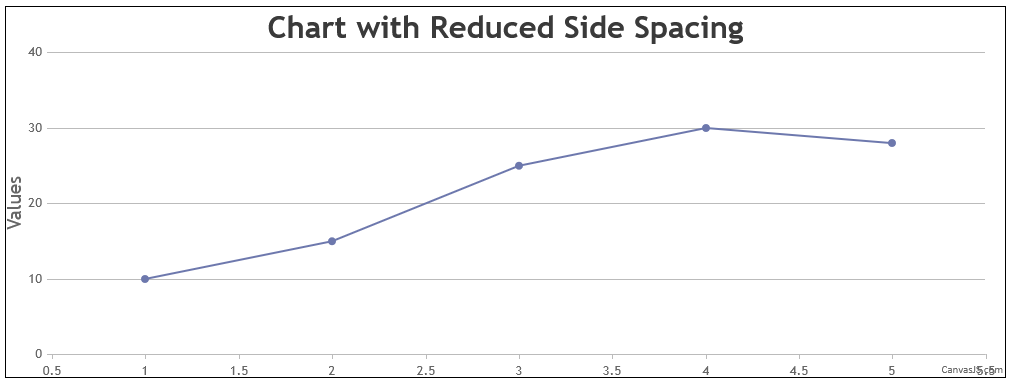
If that still doesn’t meet your requirement, you would need to modify the source code (included with every Developer License), as you have pointed out. For example: this.layoutManager = new LayoutManager(0, 0, this.width, this.height, 0);
Modifying this value in the source is the solution if adjusting the axis margins does not solve the issue.
—
Vishwas R
Team CanvasJS
.

